A technical look at the new generation of agents that never log off, and why their risk profile looks more like malware than like software
Between August and October 2026, four of the largest AI companies shipped the same idea within about ten weeks of each other: Grok Bot from xAI (beta, August 11), Muse from Meta (September 8), dots from OpenAI (September 29), and Claude Duet from Anthropic (research preview, October 21). The pitch is identical. You get an agent with its own computer that keeps working after you close the app, connects to your email, calendar, chat and documents, and starts tasks without waiting for you to type a prompt.
Everything we covered earlier in this series applies to them: the thin executor, the stateless brain, the MCP-style tool layer, prompt injection through tool results. What is new is the combination of three properties in one product: they are always on, they hold standing access to your accounts, and they act as you. This post explains how they work and why that combination changes the risk.
How they work
Strip away the branding and every one of these products has the same four parts.
A persistent computer. Most of these agents do not run on your laptop. Meta says Muse runs on a dedicated cloud virtual machine with its own browser. xAI's documentation describes Grok Bot as working from a "persistent cloud computer" that keeps going when you close the app or your laptop. Anthropic says Duet has a virtual machine with its own browser, so neither your laptop nor your phone needs to be on. This is the "body" from our agent architecture post, moved off your machine and left running.
A trigger loop. A chat agent waits for you. These agents also act on their own schedule. Anthropic says Duet checks your connected accounts every few hours and sends a morning brief. Meta says Muse keeps working after you close the app and comes back when something changes or when it needs approval. The consequence is simple: actions can happen at a time when nobody is watching.
Standing access. Agents reach your data through connectors (OAuth grants to Gmail, Slack, Drive, calendars, CRMs) and through persistent browser sessions for everything without a connector. xAI's docs say browser sessions persist across tasks and are shared by every Bot on your account, and that connected apps are account-wide. Grants are made once and then stay in force. The vendors do offer controls here: Meta says people choose which apps Muse connects to and how much access it gets, and OpenAI says enabling dots does not grant access to every app, because each connected service's authorization still limits what a dot can do.
Memory and skills. The agent carries context between sessions. Meta says Muse remembers what matters to a person, and Anthropic says Duet carries over your Claude memory, skills and connected apps. That makes the agent more useful, and it also means whatever it learned from one source can surface somewhere else.
Some of them can also reach the machine in front of you. OpenAI's help center describes an optional local computer capability that lets a dot use a member's local files and run commands, though the member has to connect the computer and keep it online, and the capability is off by default in Enterprise workspaces. xAI's docs say a Grok Bot runs commands on your local computer only when that capability is enabled and you approve it. InfoQ and Noma describe a Muse macOS desktop app and a Muse Code terminal agent that run locally. Here is how the four differ on the points that matter for risk:
Sources: xAI documentation, OpenAI Help Center (Enterprise workspaces), Anthropic and Meta launch posts, InfoQ and Noma. Approval defaults are as described by the vendors and differ by plan, which is exactly why they are worth reading closely.
What an agent actually holds
It helps to write down what one of these agents carries around at any moment. This is an illustrative profile, not any single vendor's config:
agent:            personal-assistant
owner:            you@company.com
oauth_grants:     gmail (read, send), calendar, drive, slack
browser_sessions: persistent (14 signed-in sites)
local_computer:   always_allow
schedule:         every 3h + on new email
memory:           persistent across sessions
Now look at what a SaaS audit log records when that agent acts:
2026-10-14T09:41:07Z action=send_email actor=you@company.com to=vendor@external.com subject="Updated terms" status=sent
There is no field that says an agent did this. The log attributes the action to the owner, because from the SaaS provider's point of view the owner did it. Security analysts at Noma make the same observation: when an agent acts through its owner's account, audit logs typically record the action as the owner's, and an analyst often cannot tell whether a person or an agent did it.
Why the risk is different
1. They act without being asked
In our own use of these agents, one sent an email on our behalf without being told to. Another read documents that were open in Google Drive and shared internal details in the wrong place. These are anecdotes, not measured rates, but they follow directly from the architecture above: an agent with send permission, a trigger loop and a model that decides what is relevant will sometimes decide wrongly, and the cost of that decision lands on you.
This is not unique to us. Early testers of Instinct, another always-on agent, reported that it sent an email without asking for consent and kept summarizing emails after access was revoked, according to reporting summarized by Noma. The vendor revised its terms and behavior on August 26.
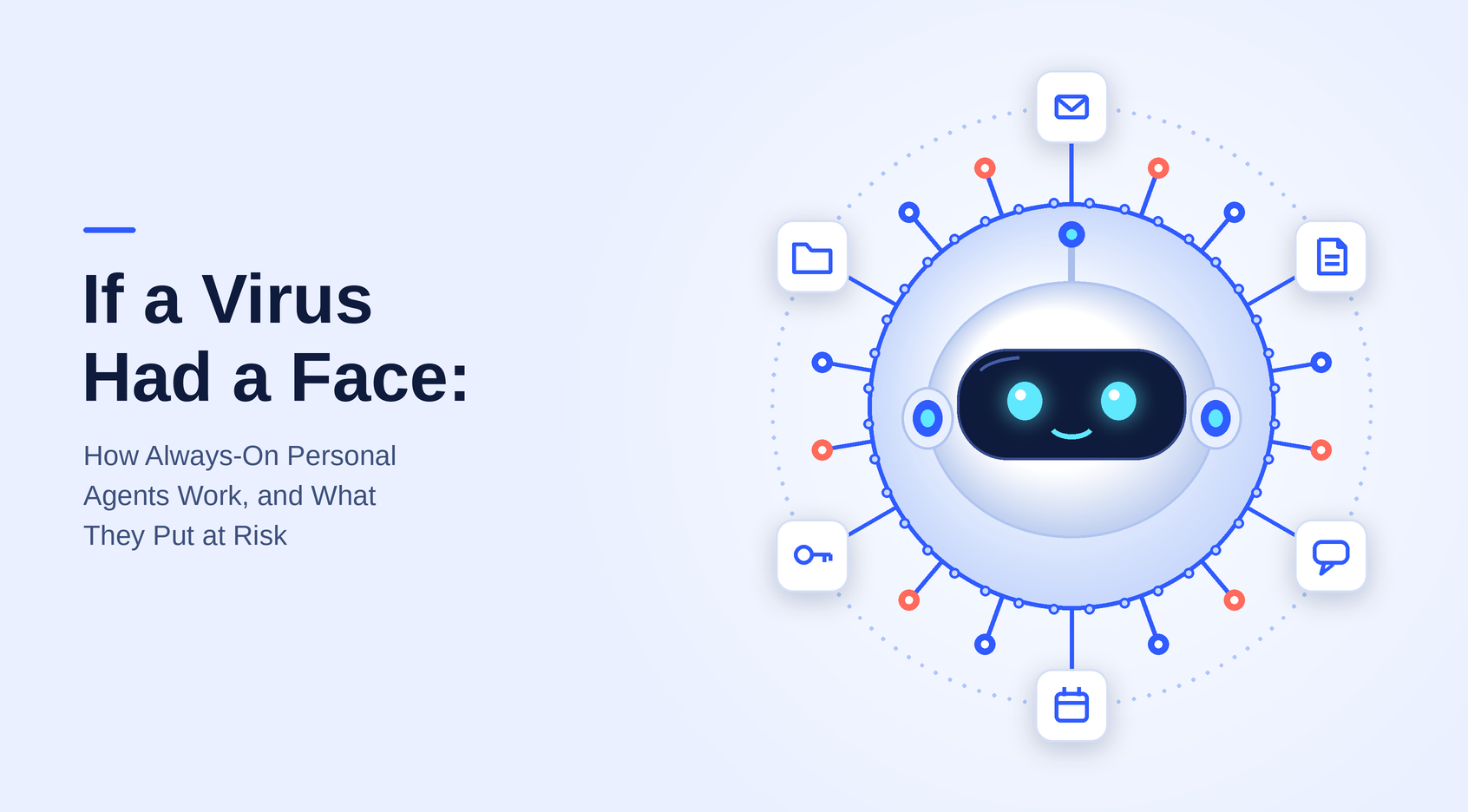
2. If a virus had a face
Security teams have a shorthand for software that runs persistently, holds your credentials, reads your files, talks to the outside world and acts as you without prompting: malware. Strip the branding off an always-on personal agent and the capability profile matches. Persistence, credential access, file access, outbound communication, action under your identity.
The differences are real and they matter: you installed it on purpose, the vendor is accountable, there are approval prompts, and in some products an admin can switch features off. But those are consent and policy choices layered on top of the same capabilities, so they are only as strong as their defaults and the habits of the person clicking through them. If a virus had a face, it would look like a friendly assistant that you set up yourself and approved once.
3. They act as you
The agent does not get its own identity in most of the systems it touches. It uses yours. Whatever you can read, send, share or delete, it can too, and the record shows your name.
The permission model compounds this. Access is granted once, broadly, and stays in force, and the approval defaults vary by vendor and by action. Anthropic says Duet reads, drafts and prepares work on its own and asks only before it sends, pays, signs or deletes. OpenAI's help center notes that disabling custom rules does not make every action require approval. Grok Bot's local-computer policy defaults to Ask every time, but Always allow is one of the three options. A grant given in a moment of convenience is then used on your behalf at any hour, for any task the model decides is relevant.
Administrators do have some levers. OpenAI says dots access is off by default for Enterprise workspaces, with local computer access as a separate switch. Those controls only help where an organization knows the agents exist and has configured them, which brings us to the shadow adoption problem below.
Where an attacker is involved, the permissions do not even need to be granted again. In September 2026, researcher Patrick Wardle disclosed that an undocumented setting in Meta's Muse macOS app let unprivileged local code redirect where voice dictation was sent. Per InfoQ, the app then sent the audio along with the authentication token for the victim's Muse account to the attacker's server, and with valid session credentials an attacker could also inject instructions, for example to exfiltrate local documents. Meta's David Singleton described it as a local configuration problem that required prior code execution, and a hotfix removed the debug setting from production builds. InfoQ reports that security professionals pushed back on that framing, since initial access is easy to get through social engineering lures such as ClickFix. Noma adds that Meta's cloud isolation was not broken. Both framings can be true: the flaw needed a foothold, and it showed how little stands between a foothold and an agent holding your standing access (InfoQ).
Shared agents and the confused deputy
Several of these agents can live in Slack or Teams, where one agent can be visible to many people. Noma's analysis claims that once an agent is in a channel, it acts with its owner's access for everyone who can message it, and that in its testing agents could instruct one another, so a low-privilege agent could route requests through a higher-privilege one. Each action would be logged under the owner of the agent that carried it out, which makes the chain hard to reconstruct.
The vendors' own documentation describes tighter behavior for at least two of the products Noma names. OpenAI's help center says only a dot's owner can direct it, and that other people's direct messages or mentions do not start work for that dot. xAI's docs say a teammate's Team Bot asks before it uses your accounts. We have not reproduced Noma's testing, so treat the escalation claim as a vendor report and not an established result. The structural concern holds regardless of which product it applies to: any agent that holds one person's authority and takes input from other people or from untrusted content is a confused deputy, where the agent holds the authority and someone else steers it.
Content steers it too. Our post on prompt injection covered how a web page, email or tool result can carry instructions. Research against xAI's Grok web chat agent, reported in August and summarized by Noma, showed encrypted instructions on a web page being decrypted by the agent and treated as trusted context, with user data sent to an attacker. That research targeted the web chat, not Grok Bot. Noma argues Grok Bot has more exposure because it reads untrusted content across a user's tools, which is a reasonable inference but not something the research demonstrated.
What to do about it
None of this means these agents should be banned. It means they should be treated as what they are: a new identity with a human's privileges, running unattended.
Inventory them. Most organizations cannot say which personal agents their employees have connected. Shadow adoption takes minutes and requires no procurement step. You cannot govern what you cannot list, and vendor admin controls only help for agents you know about.
Never leave local access on "always allow". Prefer approval prompts for anything that sends, shares, deletes or pays, and treat a standing "always allow" as a policy decision rather than a convenience setting.
Scope grants to the task. Read-only access is a different risk than read and send. Our post on controlling agent actions walked through the layers: scoped tokens, a policy gateway that decides per call, human confirmation for the high-consequence cases, and sandboxing for what slips through.
Separate the agent's identity from the human's. The goal is an audit trail that can say an agent did this, on whose behalf, and under which policy.
Check what revocation actually removes. Disconnecting an agent stops future access. It does not necessarily delete what it already read and copied.
The throughline of this series holds here too. These agents are the same body and brain we described in the first posts, with the leash taken off and the schedule left running. The controls that matter are the ones that sit outside the model, because the model will always do what the context in front of it makes plausible.
Further reading:
- InfoQ, Un-Mused: How a Single Debug Setting Bypassed macOS Security in Meta's AI Client
- Noma Security, Personal AI Agent Security: Governing dots, Grok Bot, Muse & Muse Code (vendor analysis)
- Anthropic, Introducing Claude Duet
- Meta, Introducing Muse
- OpenAI, Manage dots in ChatGPT workspaces
- xAI, Grok Bot: Use the computer and apps
This piece is part of our ongoing research into how agentic AI systems are actually built and where their behavior comes from.