NEWS
Verax AI Risk Assessment is live. See what's exposed
REAL-TIME AI SECURITY

Let Verax Work,
Before AI Does

Your policies. Your environment. Your control

Control what AI can see and do.
Put your policies in front of its next action.

Play the story
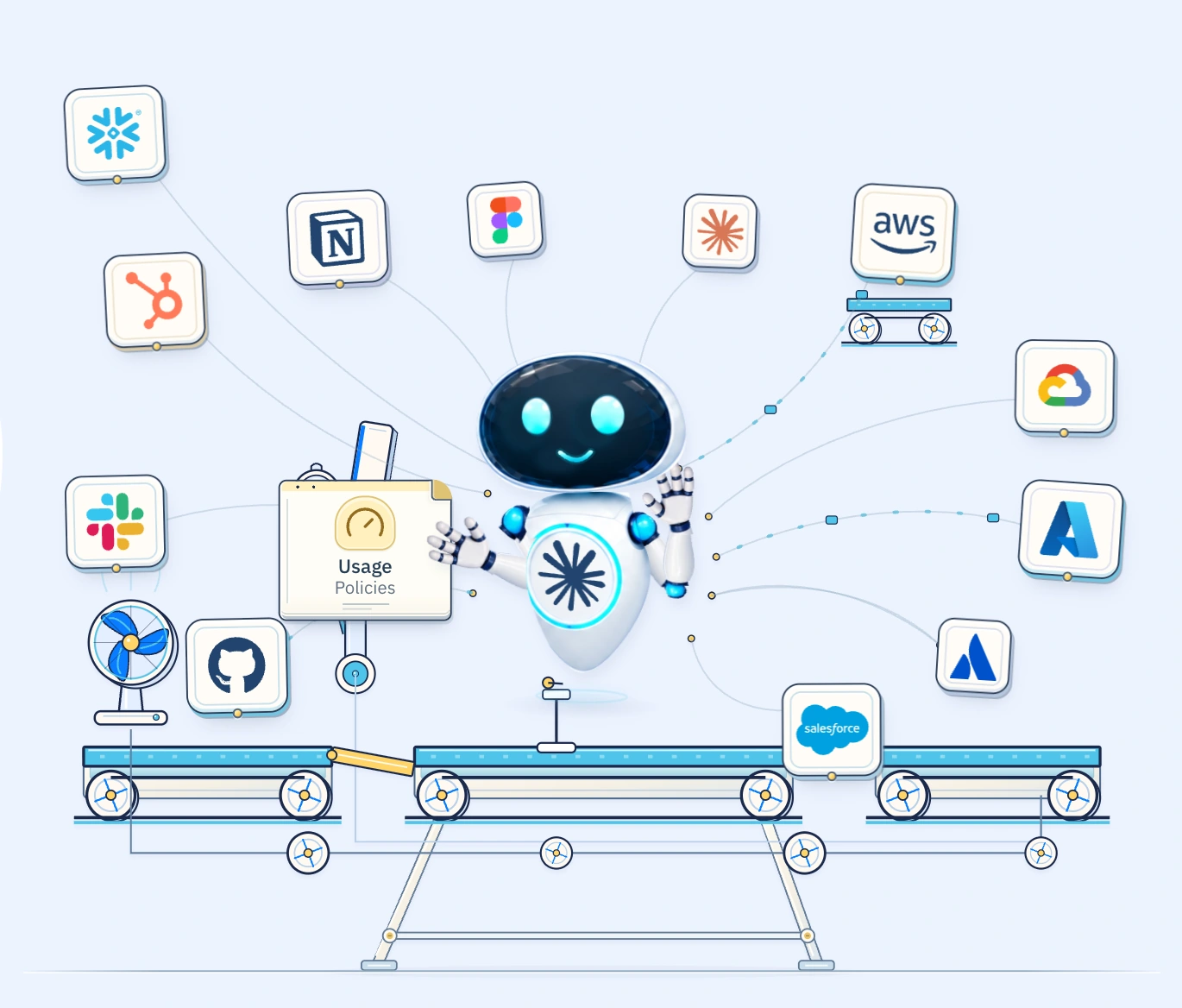
AI orchestrates tasks while policy documents and data fall below the machine.
Pause animationReplay
Tasks enter the machine.
BIG POSSIBILITIES. CLEAR BOUNDARIES.↓

Secure AI tools from the world’s leading providers

POWERFUL AI. CONTROLLED PROGRESS.

AI has the power.
You set the boundaries.

Verax connects AI activity to identity, access and data policies.
Evaluate supported interactions before they reach your tools and resources.

Play the story 6 stagesOr scroll to explore ↓

Scroll to explore each policy step.

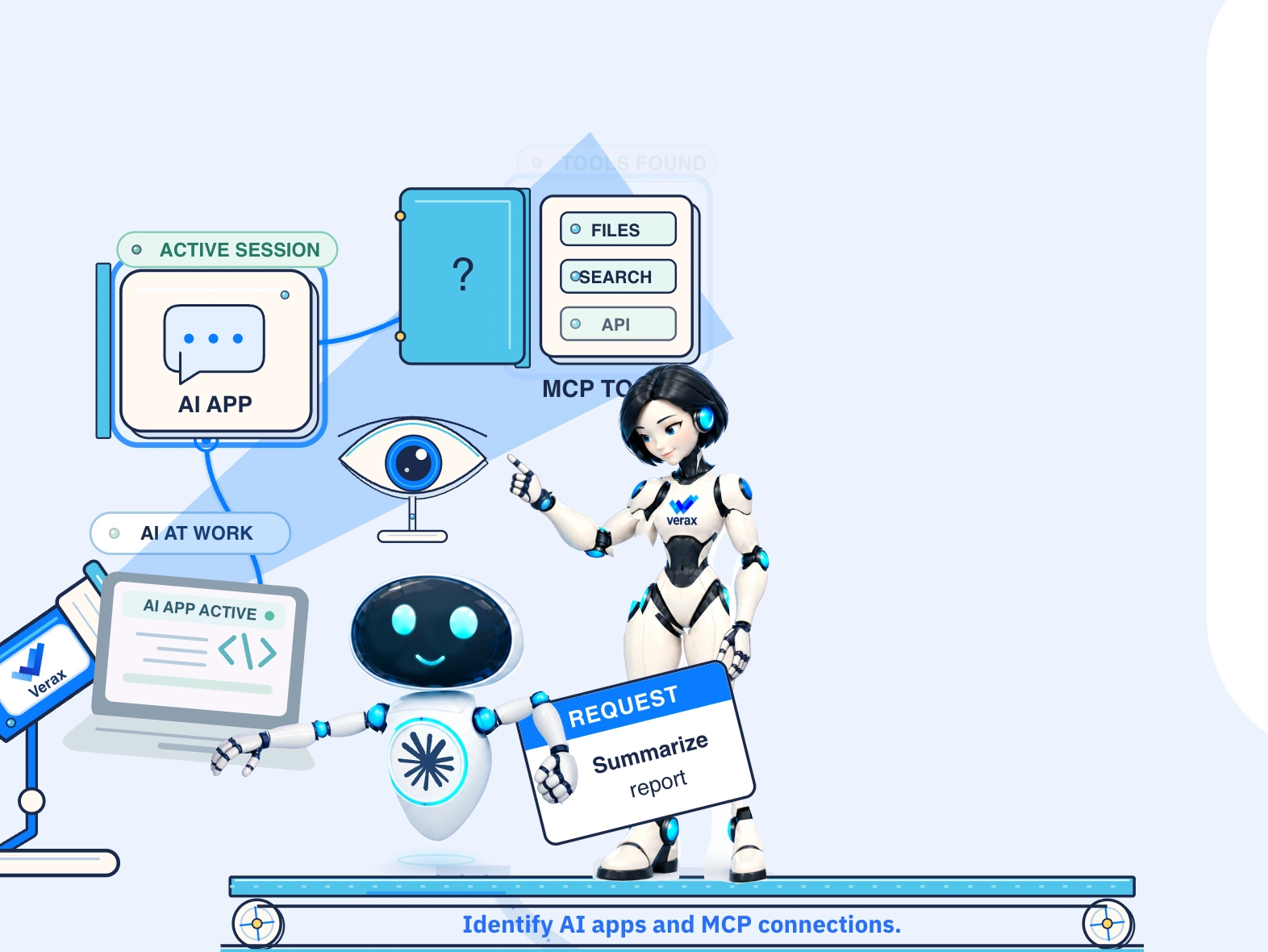
First, see where AI is active.
01DISCOVER

First, see where
AI is working.

Where is AI active?
What is it using? What is it doing?

Shadow AI discovery & control

Discover supported AI tools, agents, local resources and MCP connections. Link observed activity to identities and see where policy is needed.

See the activity. Understand the outcome.

Visibility & governance

Review attributed AI activity alongside tools, agent actions and policy decisions. Use that evidence to guide adoption and review controls.

IdentityAgentToolResource
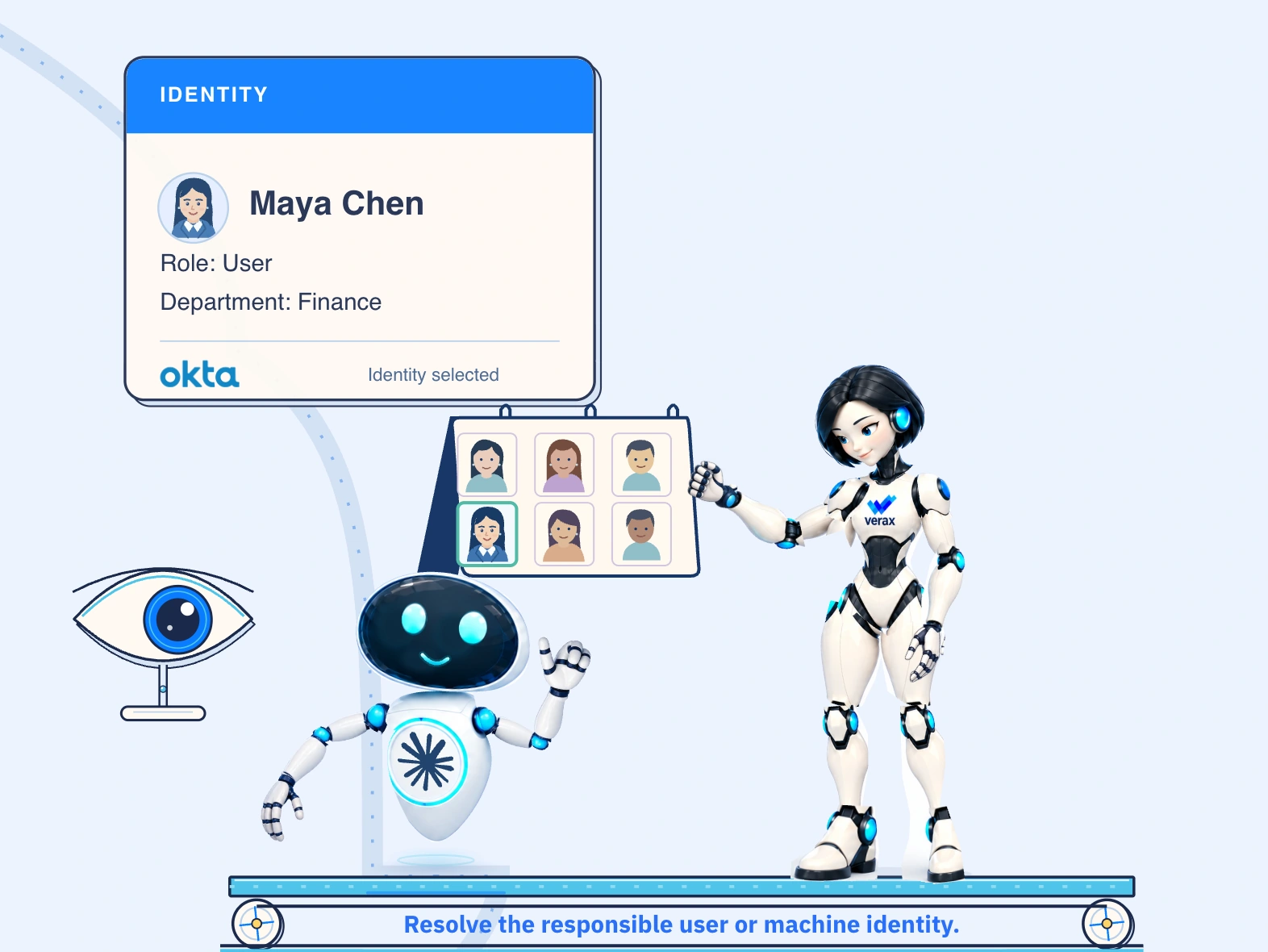
Who is AI acting for?
02CONTROL / IDENTITY

Every AI action.
Attributed.

Connect AI activity to the person or service behind it.

Identity-aware access

Link supported sessions to your corporate identity provider. Use the responsible identity, role and request context to apply policy and retain an attributed activity record.

OktaMicrosoft Entra IDMicrosoft
Entra ID
Google Workspace
Connect identity to the next action

Review the responsible user or machine identity, role and request context alongside the policy decision for each supported interaction.

MC
Maya ChenFinance · Example user identity
Attributed
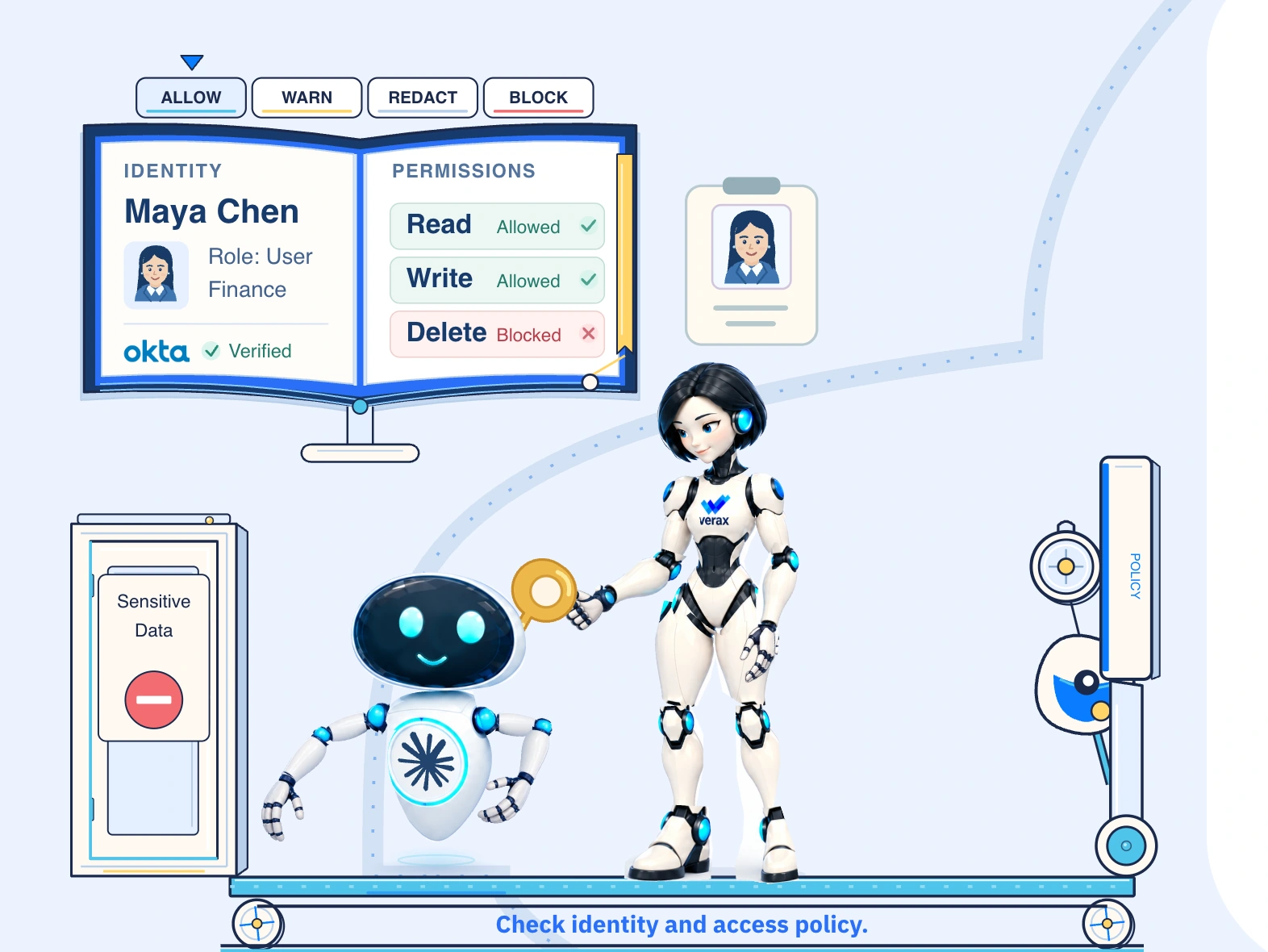
Verax checks identity and access policy.
03CONTROL / ACCESS

The right identity.
The right access.

Check identity, model access and spending.

Approved AI usage

Set approved models and spending limits by role or team.

Maya · Finance analystExample policy

“Summarize this quarter’s expense report.”

RoleFinance analyst
Providers
✓ Request allowed

OpenAI Sol 6.1 is approved for this summary.

Power is not permission.
04PROTECT / ACTIONS

Capability is not
permission.

AI can use access far beyond the task you gave it. Your policy sets the boundary.

Agent behavior control

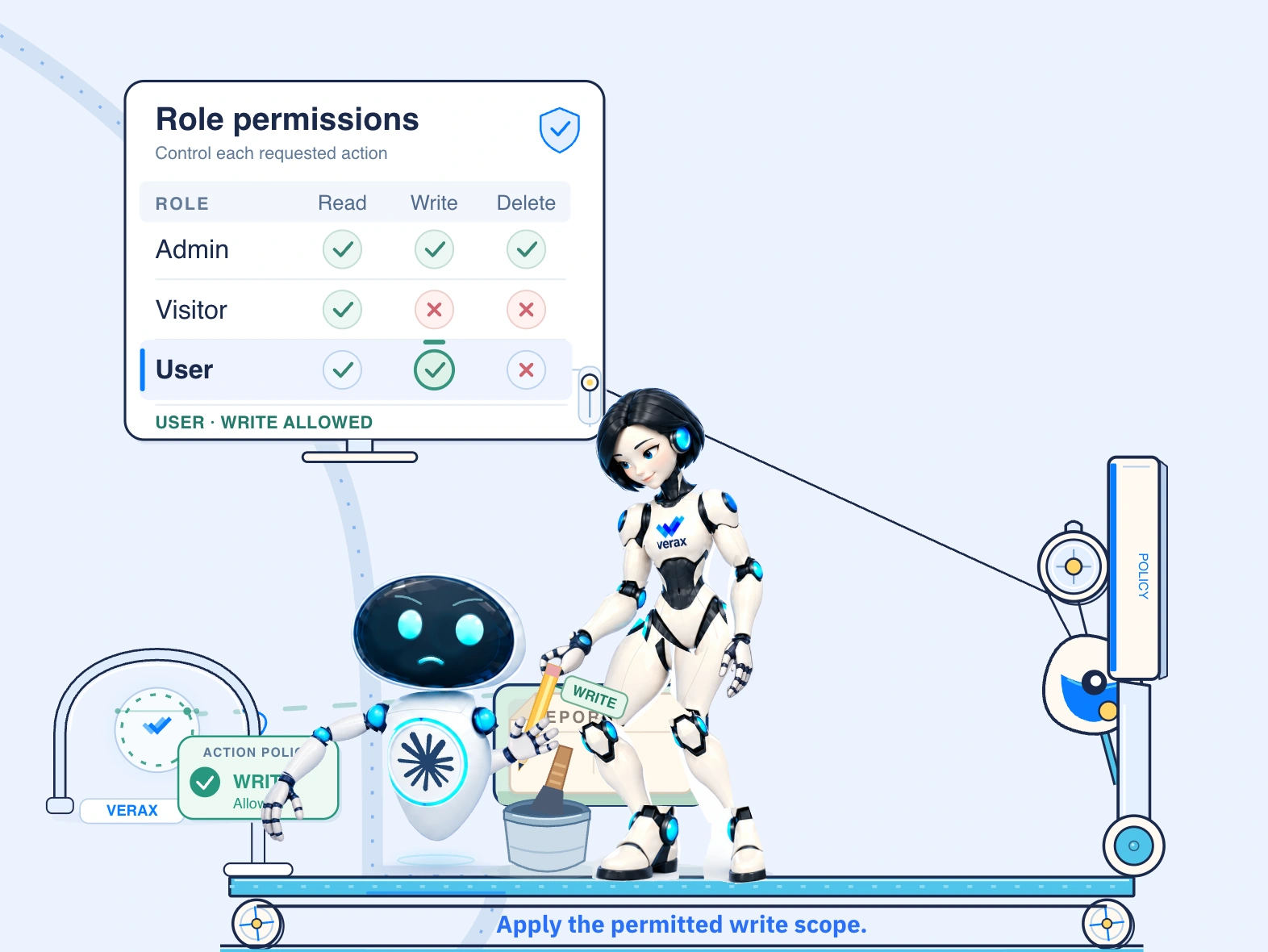
Prevent AI from abusing excessive permissions. Apply policy before a disallowed read, change or deletion proceeds through supported tool and MCP paths.

Report permissionsUser role
Read allowedWrite allowedDelete blocked

Delete report · Blocked

Set the boundary for the task

Apply least privilege to supported AI actions: allow only the operations the task requires and block disallowed changes or destructive operations.

Your permissions stay in place. Each supported AI action is checked against configured policy.

Read allowed. Changes blocked.
05PROTECT / RESOURCES

Let AI see what it needs.
Keep changes under control.

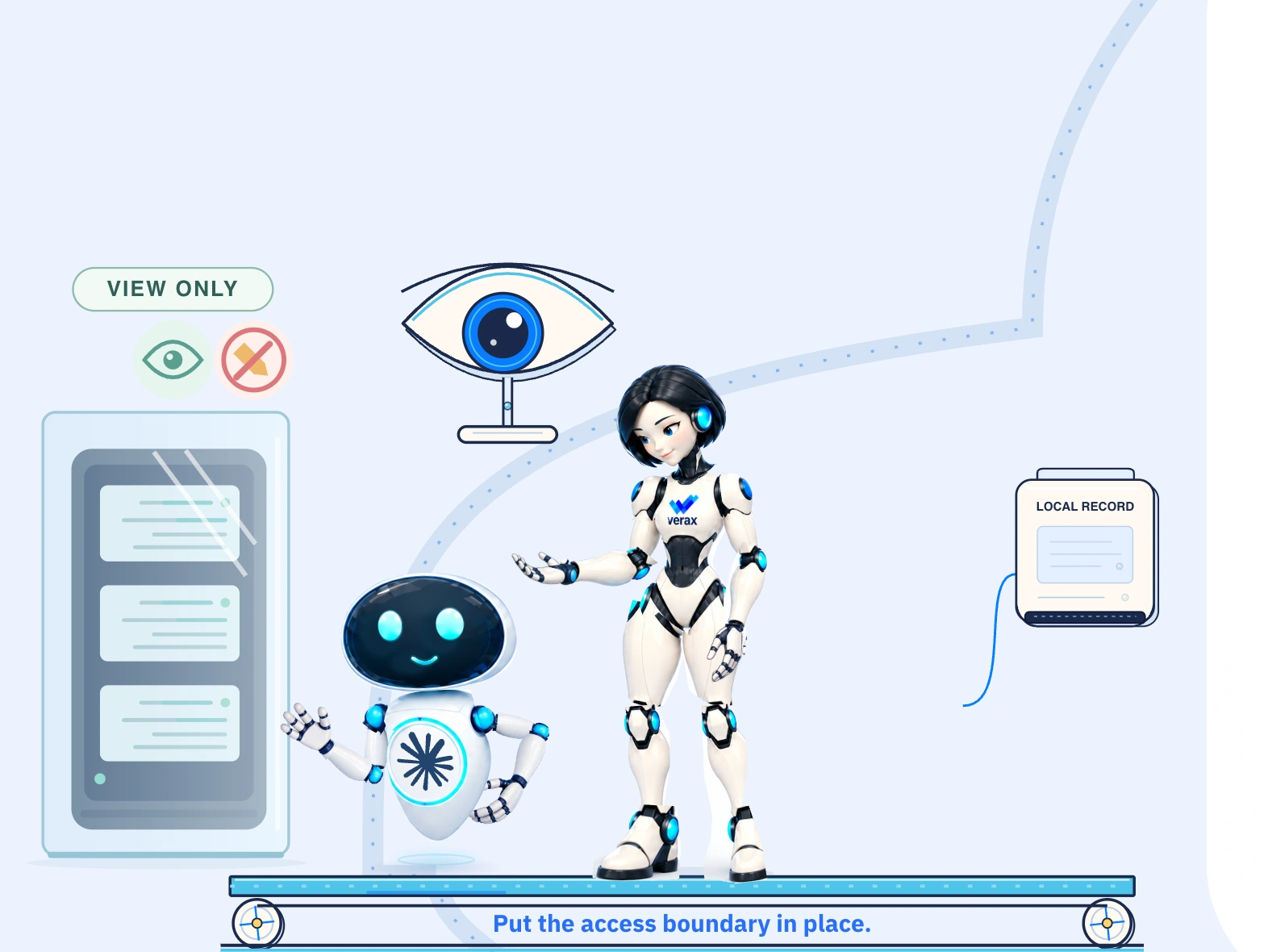
Verax enforces read-only access.
Keep production data protected.

POLICY EXAMPLE

Production logs

Read only

Try a requested action.

Read allowed

The agent can view the logs. The resource stays unchanged.

PROTECT / INFORMATION

And keep the
sensitive bits out.

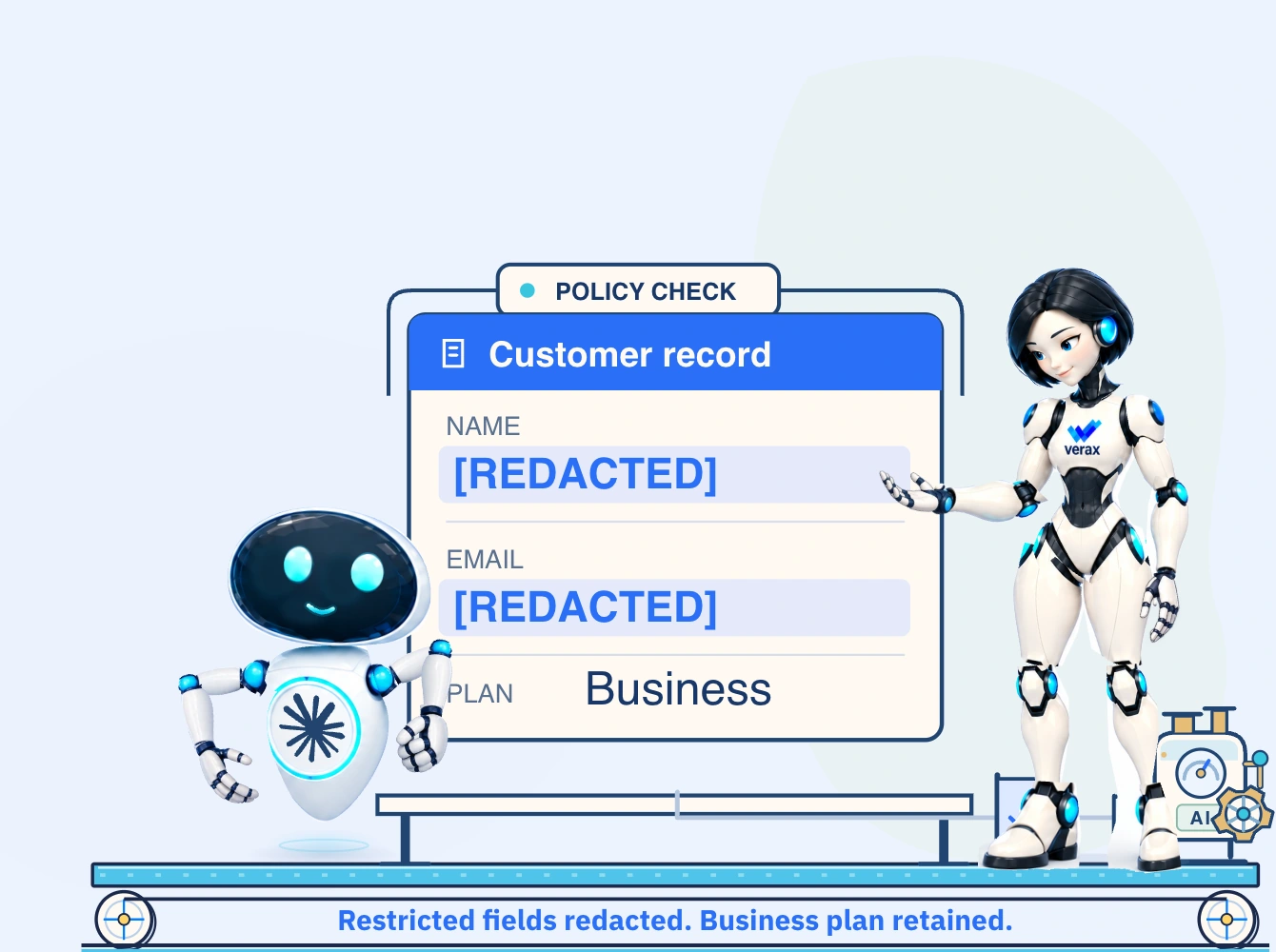
Control what information reaches AI. Inspect supported requests before transmission, redact restricted information, or block a request that violates your content policy.

Sensitive data protection
POLICY EXAMPLE / REQUEST INSPECTION

Summarize this customer record.

Try a policy that redacts fields or blocks the whole request.

Reset inspection

Information redaction and action permissions are separate controls.

Inspect the request before information reaches AI.↺
VERAX AT EVERY STEP

One platform.
Clear control at every step.

Verax Protect connects visibility, identity and policy
across supported AI interactions and governed tool paths.

Swipe to explore all six controls

SELF-HOSTED. UNDER YOUR CONTROL.

Your environment.
Your enforcement.

Run inspection and policy enforcement inside infrastructure you control. Your team defines what information and actions are permitted before approved requests continue to authorized AI services.
Explore the architecture
Verax
DISCOVER + ENFORCE
  • Users and agents
  • Identity and context
  • Supported tools and MCPs
  • Configured policies
Self-hosted Policy Engine
GeminiAI interactions1,440 calls
API tools
1,280calls

Model calls
API tools

MCPs
160calls

Workspace connectors

DLP findings
24findings

Drug references
Email

Claude CoworkAgentic workflows1,560 calls
API tools
840calls

Shell commands
Build scripts

MCPs
720calls

Slack · Gmail
HubSpot · Calendar

DLP findings
38findings

Email · Phone
API keys · Credit cards

CopilotAI assistant1,720 calls
API tools
1,240calls

Productivity apps
Work context

MCPs
480calls

Connected tools
Work context

DLP findings
31findings

API keys · Email
Credit cards · ICD codes

CodexCoding agent1,200 calls
API tools
920calls

File actions
Shell commands

MCPs
280calls

node_repl
codex_app

DLP findings
19findings

Credit cards · Phone
Tokens · Provider ID

All app activitySample activity · Last 24 hours
5,920Total calls
4,280API calls
1,640MCP calls
112DLP findings
HELP AI HELP YOU. SAFELY.

Put AI to work.
By your rules.

Put your AI policies to work.
Start with visibility. Build the boundaries your business needs.

01 / 06AI request
ⅡNext ×