New features
MCP discovery
Discover MCP tools alongside AI resources on your team’s devices. Inspect tool and command arguments, then follow related command, tool, and service events to understand agent activity.

How to use
- Open Agent Map to discover Agents, MCP servers, and connected services across your organization.
- Explore the relationships between Agents, MCP tools, and services to understand how they interact.
- Navigate to Activity → Events to investigate specific actions, including tool arguments, commands, and related events.
- Review discovered MCP servers and their tools in Catalog, then configure rules to restrict unauthorized or high-risk access.
Review AI tools and MCP servers
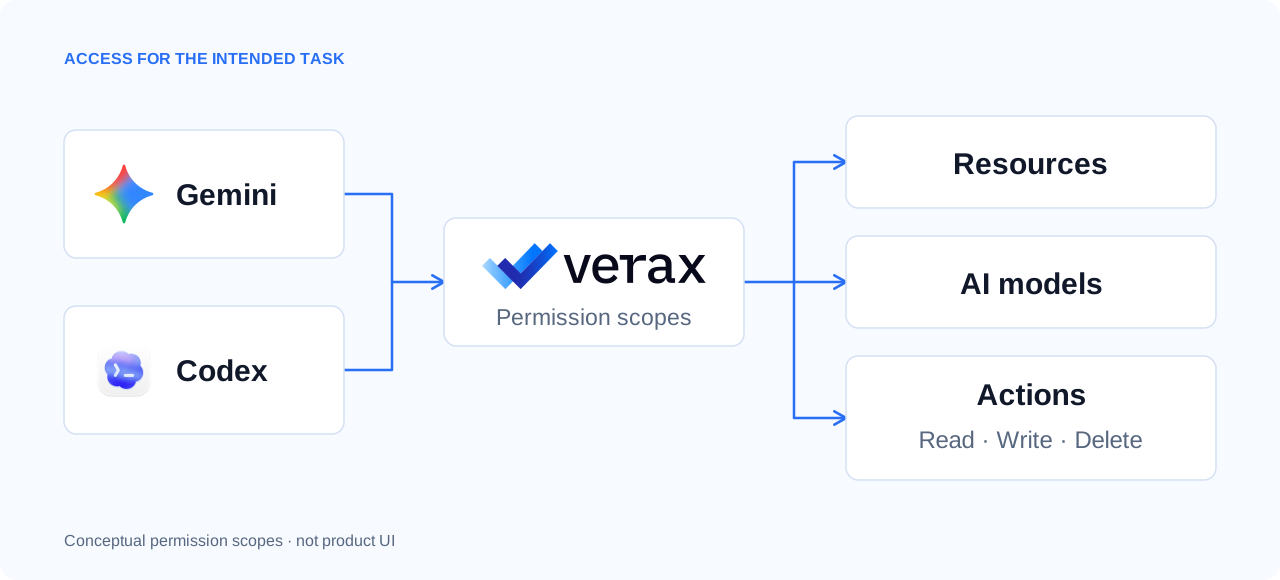
Granular access for Gemini and Codex
Deeper integrations enable granular control over Gemini and Codex capabilities, including AI models, resources, and actions. Configure global protection settings and tool-specific controls to manage what users and agents can access.
How to use
- Open Protect → Global to configure data security settings that apply across all supported tools.
- Navigate to Protect → Gemini or Protect → Codex to configure tool-specific controls.
- Open the Advanced Controls tab to manage available models, resources, and capabilities for each tool.
- Enable or restrict individual capabilities based on your organization's security requirements.
Also in this release
- Tool interface in events — Events identify whether activity came from a desktop, web, or CLI tool interface.
- MCP discovery and control — Explore MCP servers and their available tools in the AI Catalog, including action types, risk levels, and destructive operations. Define granular rules to control and enforce which MCP servers, tools, and actions users and AI agents can access.