New features
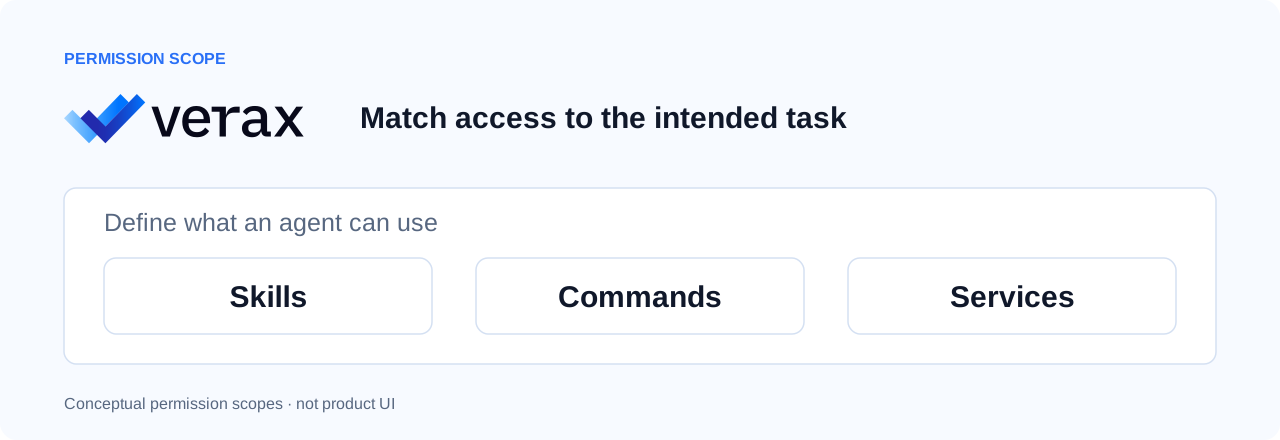
Granular controls for skills, commands, and services
Define granular security rules to control which skills, commands, and services AI agents can use. Restrict unauthorized or high-risk actions while allowing approved agent workflows.
How to use
- Open Agent Map to discover the skills, commands, and services used by Agents across your organization.
- Navigate to Rules to create or edit a security rule.
- Select the skills, commands, and services you want to control, and define the conditions under which the rule applies.
- Set the rule action to Allow or Block to enforce your organization's security policies.
Cursor and Grok support
Expanded AI tool coverage now includes Cursor's web Agents window and IDE, along with Grok. Configure tool-specific security controls, including the ability to allow or block Cursor cloud agents.

How to use
- Open Protect → Global to review the data security settings inherited by supported AI tools.
- Navigate to Protect → Cursor or Protect → Grok to configure tool-specific protection settings.
- Open Advanced Controls to manage the capabilities available for each tool, where supported.
- For Cursor, enable or disable Cloud agents based on your organization's security requirements.
SSO login
Use single sign-on to access Verax with your organization’s identity. Supported identity providers include Okta, Microsoft Entra ID, and Google Workspace.

Also in this release
- User AI activity views — The new Users page and user drawer let you review users’ AI activity in Verax.