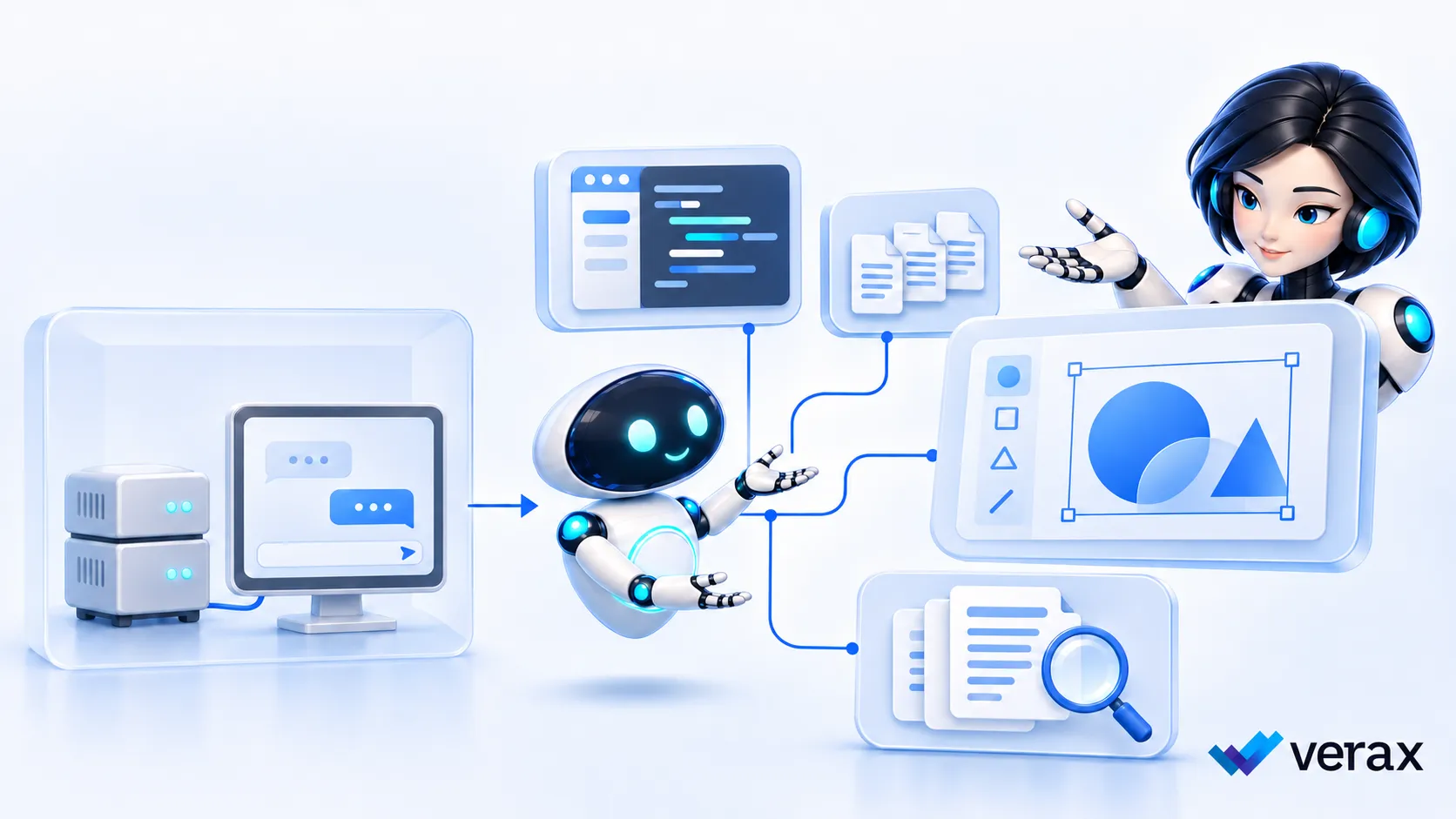
Say you’re a developer using an AI agent to work through a bug. It opens the relevant files, makes a change and runs the tests. You check what it’s done and carry on with your day.
Then the company launches an internal chatbot and asks you to use that instead. It gives you a decent explanation of the bug, perhaps even the right code. You still have to find the files, make the changes and check everything yourself. I wouldn’t expect you to be particularly excited about switching.
That’s my hesitation with the idea that a local LLM will solve a company’s AI problem. People have found tools that take work off their hands. Asking them to give that up takes more than a promise that the alternative keeps data in-house.
A recent MakeUseOf article covered the hardware difficulties of running local models. Those are real constraints, but even a company with plenty of computing power still has to replace the software its employees actually use.
The software around the model
Someone in marketing may have found an image tool they like because they can keep adjusting the same picture. If your internal alternative only helps them write a prompt, they’ll still need the image tool.
You can build agents around local models. Ollama already supports tool calling, for example. But then you have to build and maintain the application around the model, connect it to the right systems, and help people when it doesn’t work. That could be a sensible investment for a particular job. Covering everything people use across a company is a much bigger commitment.
Andrew Ng talked about that work in a 2025 Masters of Scale interview:
“A lot of the work that lies ahead is to take these amazing agentic AI capabilities and map them to real business workflows.”
I think that’s easy to underestimate when an internal chatbot looks good in a demo. You only discover what’s missing when someone tries to do their usual work with it.
The outside tools are still there
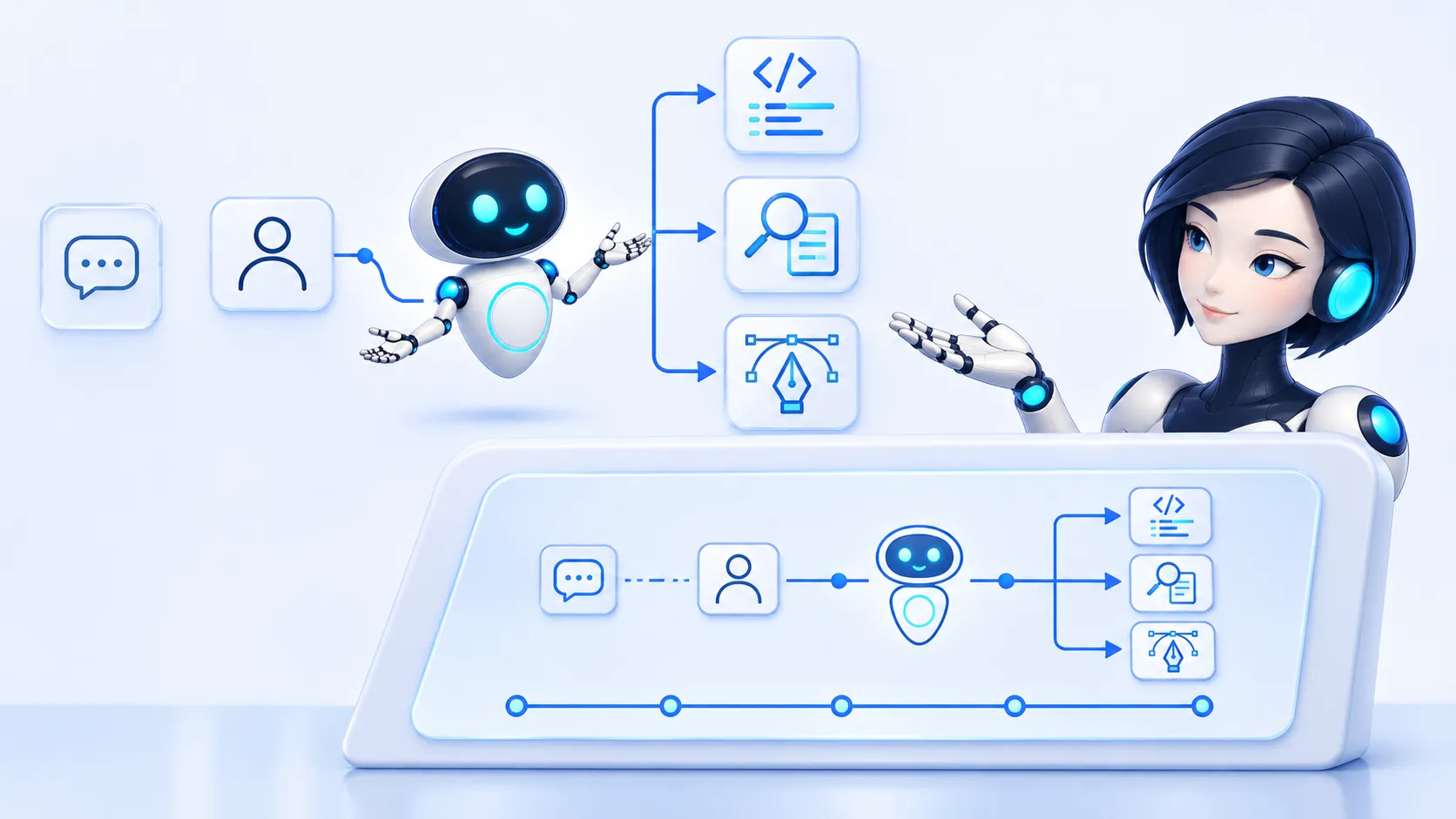
The developer might use the internal assistant for a quick question, then go back to the coding agent for a difficult bug.
What would worry me is the assumption that the rollout has dealt with external AI use. If the security team starts paying less attention to outside tools because everyone now has an approved option, it can end up with a worse picture of what’s happening. The requests it misses may be the ones involving the most substantial pieces of work.
Vasu Jakkal of Microsoft Security described this in a May 2026 interview:
“It often shows up as workarounds—well-intentioned teams trying to move fast outside the guardrails.”
I’d start by asking what the approved tool couldn’t do for them. If the answer is that it takes longer to finish the same job, simply reminding them of the policy probably won’t get you very far.
What InfoSec needs to see
I’d keep local models for the jobs where they make sense, including work with strict data requirements. For everything else, I’d start by finding out which tools people depend on and what goes through them. The security team needs to know who is using an AI tool, what an agent can do, and where company information is going. It also needs a way to apply policy before sensitive information reaches the AI service.
That’s where we focus at Verax, putting controls around supported AI activity so people can use helpful tools safely.
Before deciding the internal option is good enough, ask a few employees to show you the tasks they use AI for. Let them walk through their tools and explain what they would lose by switching. It’s a much more useful conversation than asking why they haven’t stopped opening that other tab.